
The first phone screen is often a wide photo and a menu icon. Hours sit further down. So a person in Largo opens the site in a lot and still can’t tell if you’re open. Services hide in that menu. Then they point the car toward Clearwater or St. Petersburg and never call. Website Design in Largo has to put hours on that first view. The services you sell have to be there too, with a tap to call. Those items have to show before a scroll.
Questions about website design? Call for More Info
People have told us the laptop version looked finished. On a phone, the call link sat under a tall banner. Because the thumb never reached it, the visit stopped there. We have rebuilt that top strip for this reason more than once.
Residents often check a local business on a phone before driving toward Clearwater, St. Petersburg, or across town. So hours, services, and a way to call have to appear before they scroll. When that view is clear, they can call from the lot. After a vague first screen, many of them keep driving.
What that first view holds
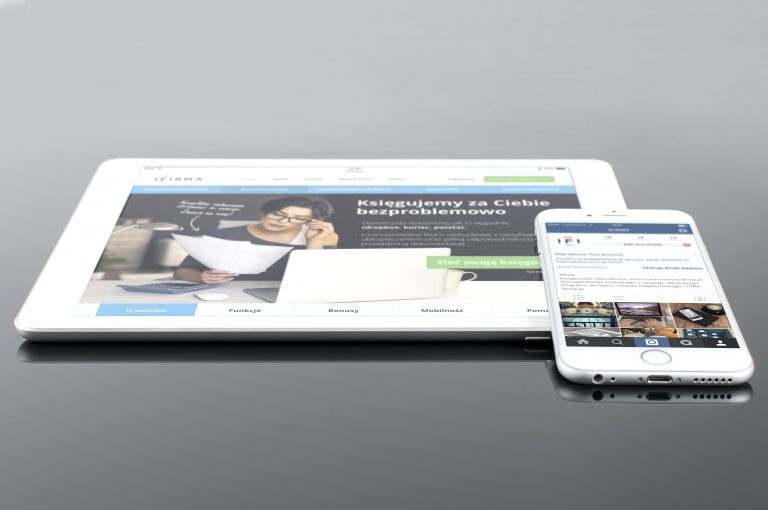
The business name belongs at the top. It has to be large enough to read in sun. So we avoid thin gray type for that name. Under the name, a short line says what you do. Hours come next in the same stack. When hours change by day, show today’s window right there. Then add a button that dials the shop. A service-area line helps a Largo customer as well.
We keep that stack short on purpose. A tall photo at the top pushes the call button off the first screen on many phones. So we crop the photo hard. Sometimes we move the photo under the facts. Because the first view is small, every extra line costs a fact.
For example, a plumber can lead with emergency service and today’s hours. The call button stays in that same view. A salon can lead with the services people book. Hours and the phone stay on screen with that line. After you pick a lead line, hours and the call remain in view.
How the build runs
We start on a phone. A wide monitor hides what a phone cuts off. So we load the current site and note what appears with no scroll. After that, we list the facts that must stay in view. Then we sketch the stack at phone width. We try it on more than one common screen size.
- Open the live site on a phone and mark what shows before any scroll.
- Write down hours, the services to name, and the call action for that view.
- Build the stack at phone width and try more than one screen size.
- Publish, then open the live page on a phone off the office network.
Usually the first-screen layout settles in the early sessions, once you confirm hours and a working number. Then the other pages usually follow over the next couple of weeks. That pace is typical for this kind of build. Cost follows how many page types we adjust. It also follows whether photos are ready on day one. We write quotes out line by line. Because each line names a part, you can see the scope before you decide.
Owners elsewhere in Pinellas County have described the same check in the car. So we design the first view for a thumb on a phone. We’re in Clearwater, and this drive pattern has shown up on Largo jobs.
Questions about website design? Call for More Info
Choices for that strip

Some owners want a crew photo in the first view. When the facts stay on the first screen, we can include that photo. Others want a short offer line. So we tie that line to a service you actually book. We leave countdown language off the page. Because they judge the shop from that screen, name a real service.
The first screen can point at what happens after the tap. When a call needs a follow-up path, we connect that step to lead handling after the call. A clip can help when the work is easier to see than to describe. We set that clip just under the first screen through short service videos. Putting the player in the first view shoves hours down. So the clip waits one scroll.
But this phone strip is one part of a wider online plan. So the words up top should match the search result for the page. We write those lines as original copy. We don’t drop the town name into a spun paragraph. Search engines penalize trick methods.
The layout work lives with our website design work. That page covers page structure and how the phone view is worded. When we review the pages near the end, we run the first-screen test again. We run that phone test again even when the desktop page already looks finished.
If the first button must open a scheduler with live openings, a normal page may not carry it. Then we treat that piece as custom software. We scope it apart from the public screen. After that split, the first view stays light and fast. Some owners also want to change hours without a wait. Because administrative tools can hold that edit, you can change hours without a rebuild. The public screen still shows the new hours in the same spot.
Checks after the page is live

After publish, we open the page on a phone off the office network. We check hours against the sheet you gave us. Then we tap the call button and confirm the number. When a late image pushes the button down, we fix the crop before we call it done.
Bright sun is common on drives around Largo. Pale gray type fades in that glare. So we set hours and the call line in dark text on a light ground. We size the type for a read at arm’s length. For example, a light gray hours line on a photo fades in a lot at noon. A solid light band behind the text holds up better.
After launch, a lower photo change should leave the first screen where it was. Seasonal hours are the edit we’ve seen most. Update that top block the same day the posted hours change. Because a delay sends people to a closed door, fix that hours line before other edits. The new hours still have to land in that first view.
We also line the search snippet up with that strip. So the first screen and the search result should name the same services. Hours in the snippet that disagree with the screen cause missed calls too.
Buzzazz Business Services
Clearwater, Florida
About 5 miles from Largo, Florida.